

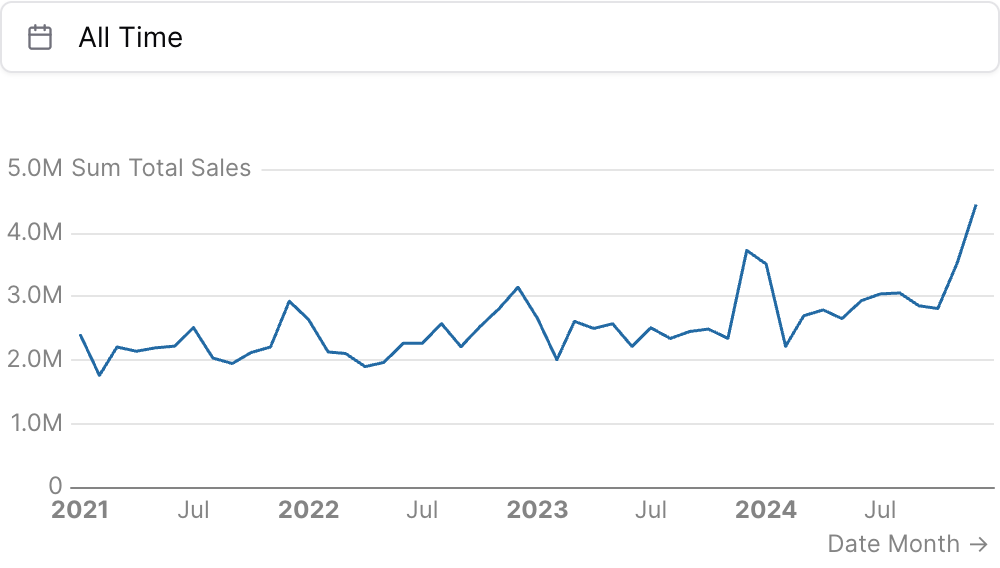
Examples
Using date_range
Using where
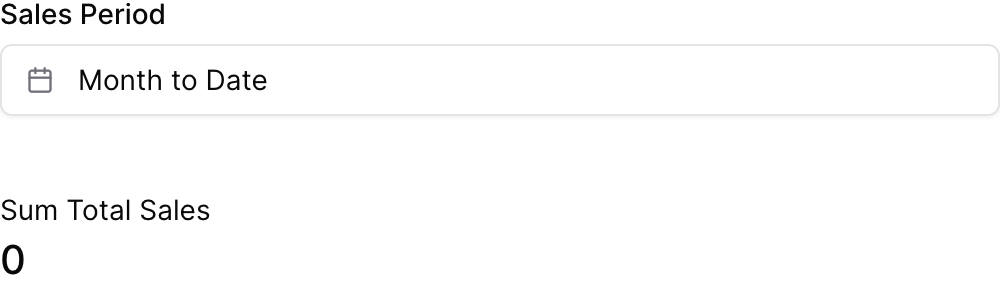
Using filters
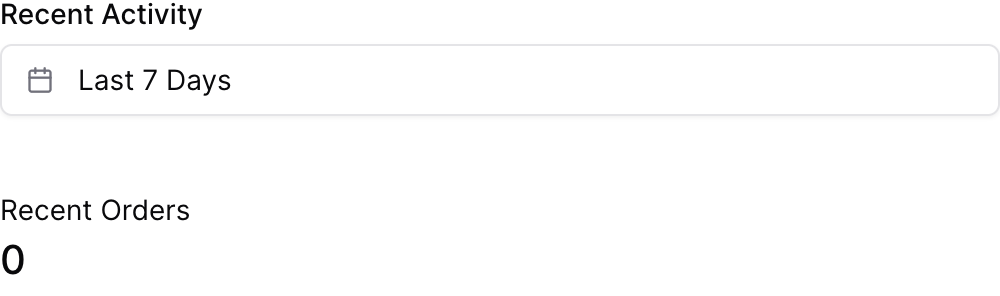
Using Inline SQL
Redefining “all time” with all_time_range
Named presets with custom_ranges
Attributes
The id of the date range picker to be used in SQL query templates (e.g.,
{{date_filter.filter}})Text displayed above the date range picker
Default range to select on load: a preset key, or an exact custom_ranges label. Defaults to “all time”.Allowed values:
todayyesterdaylast 7 dayslast 30 dayslast 3 monthslast 6 monthslast 12 monthsprevious weekprevious monthprevious quarterprevious yearthis weekthis monththis quarterthis yearnext weeknext monthnext quarternext yearweek to datemonth to datequarter to dateyear to dateall time
(deprecated) Use default_range instead. Default range preset to select on load.Allowed values:
todayyesterdaylast 7 dayslast 30 dayslast 3 monthslast 6 monthslast 12 monthsprevious weekprevious monthprevious quarterprevious yearthis weekthis monththis quarterthis yearnext weeknext monthnext quarternext yearweek to datemonth to datequarter to dateyear to dateall time
Array of date range keys to show in the preset list. If not provided, the default preset set is used. Single-day
today/yesterday presets and forward-looking this .../next ... presets are not shown by default and must be explicitly included here. When “all time” is excluded and no default is specified, the first preset in this list becomes the default.Named presets added to the preset list. Each entry is
{ label, range, grain }: range is a window (or list of windows) in normal date-range syntax (e.g. “last 6 months”, “from 2022-02-01”, “2024-01-01 to today”); the optional grain (day/week/month/quarter/year) slices each window into one preset per period (e.g. a fiscal year per year), anchored to an explicit start date; the optional label names each preset with {start:CODE} / {end:CODE} tokens that format that boundary with any value-formatter date code ({start:yyyy} → 2024, {start:yy} → 24, {start:mmm} → Apr, {start:mmmm} → April, {start:mmm yyyy} → Apr 2024, {start:d} → 5, {start:qq} → Q2, {end:yy} → 24). Write each entry on its own single line (not expanded across lines), as in the examples below.The date column to filter. When set, the calendar can be referenced directly with
{{id.filter}} or listed in a chart’s filters prop — and returns true (a no-op) when no range is selected, so it never breaks the query. Leave it unset to instead reference the column yourself with {{id.between}}.Controls what “all time” resolves to in SQL.
"unbounded" (default) makes .between emit IS NOT NULL, so where="date {{id.between}}" matches all rows and never breaks. "none" keeps the legacy empty string — use it with [[ ]] blocks or a | fallback when the clause should drop entirely (e.g. to keep NULL-date rows). You can also set a bounded range — a preset key (e.g. "last 12 months"), a custom_ranges label, or a range expression (e.g. "from 2022-12-01") — so “all time” resolves to that range everywhere (.between, .start, .end, and the date_range value).Allowed values:todayyesterdaylast 7 dayslast 30 dayslast 3 monthslast 6 monthslast 12 monthsprevious weekprevious monthprevious quarterprevious yearthis weekthis monththis quarterthis yearnext weeknext monthnext quarternext yearweek to datemonth to datequarter to dateyear to dateall time
Set the width of this component (in percent) relative to the page width
Using the Filter Variable
Reference this filter using{{filter_id}}. The value returned depends on where you use it.
| Context | Default Property | No Selection | Result |
|---|---|---|---|
| Inline SQL query | .between | IS NOT NULL | BETWEEN toDate('2024-01-01') AND toDate('2024-12-31') |
where attribute | .between | IS NOT NULL | BETWEEN toDate('2024-01-01') AND toDate('2024-12-31') |
| Text / Markdown | .range | Last 6 Months |
Available Properties
You can also access specific properties using{{filter_id.property}}:
.start
Returns the start date as a date expression. Empty when “all time” is selected — reference it only where an empty value should fail loudly (e.g.where date >= {{date_filter.start}}), not in a date spine or axis bound.
toDate('2024-01-01')
.end
Returns the end date as a date expression. Empty when “all time” is selected (see.start).
toDate('2024-12-31')
.filter
Returns a complete SQL filter expression for the date range —value_column >= start AND value_column <= end. Requires value_column: without it (or when no range is selected) it resolves to true, i.e. no filtering, so where="{{id.filter}}" silently returns everything unless value_column is set.
event_date >= toDate('2024-01-01') AND event_date <= toDate('2024-12-31')
.between
Returns a WHERE-clause fragment for the date range:BETWEEN <start> AND <end> when a range is selected, and IS NOT NULL when “all time” is selected — so where="date {{date_filter.between}}" matches all rows and never breaks. Because “all time” emits IS NOT NULL, it excludes rows whose date is NULL; set all_time_range="none" to restore the legacy empty string (for use with [[ ]] blocks or | fallback).
BETWEEN toDate('2024-01-01') AND toDate('2024-12-31')
.range
Returns a human-readable description of the selected range. This is the value to use withdate_range attribute.
Last 6 Months