

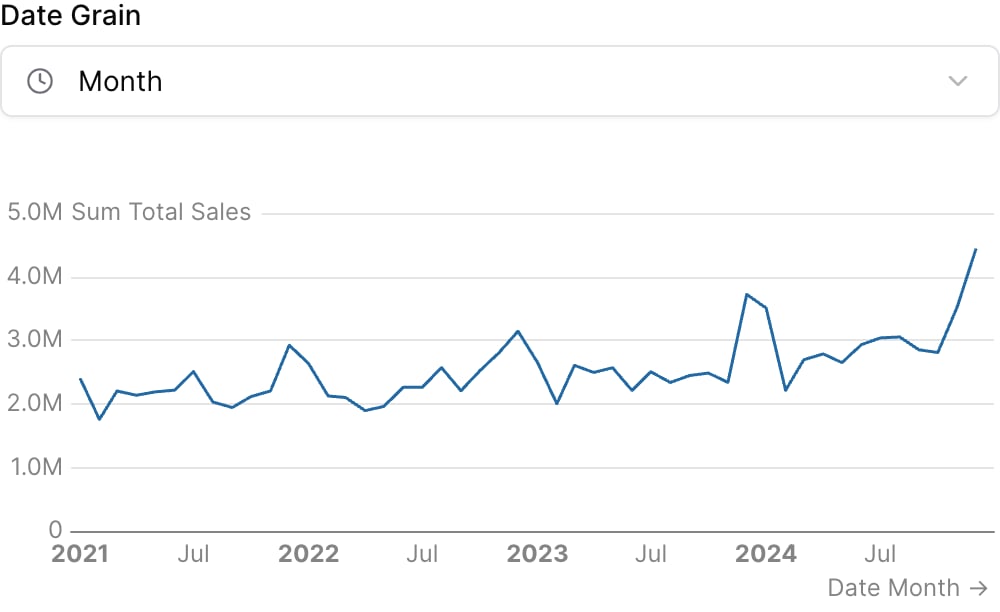
Examples
Using date_grain
Using Inline SQL
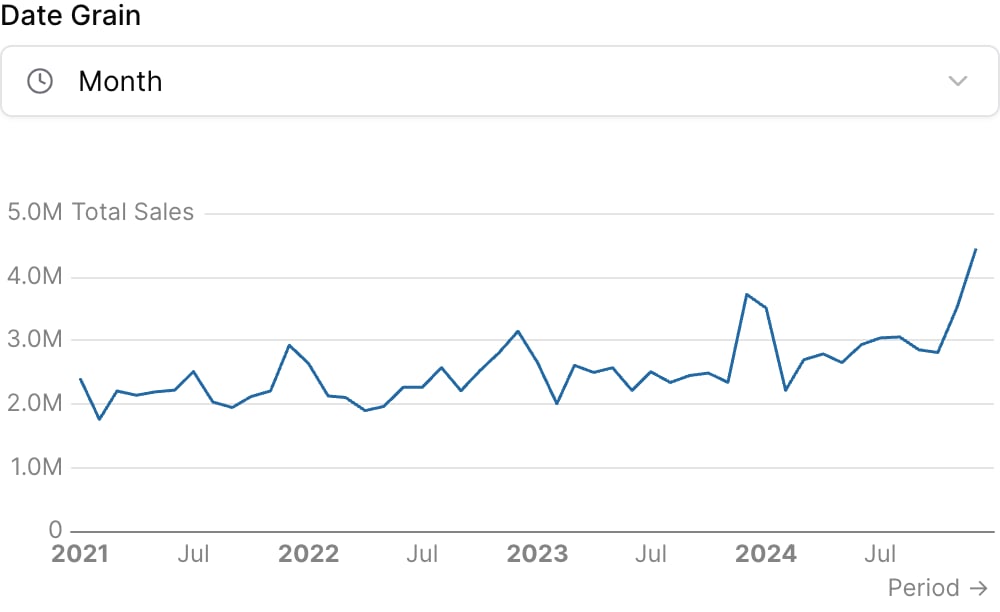
Attributes
The id of the date grain selector to be used in SQL query templates
Optional array of preset date grain values to show. If not provided, all date grain options will be available.
Default date grain to select on loadAllowed values:
dayweekmonthquarteryearhourday of weekday of monthday of yearweek of yearmonth of yearquarter of year
Text displayed above the selector
Information tooltip text
URL to link the info text to (can only be used with info)
Create a custom link title for the info link, placed after the info text (can only be used with info_link)
Placeholder text displayed when no value is selected
Icon to display
Set the width of this component (in percent) relative to the page width
Using the Filter Variable
Reference this filter using{{filter_id}}. The value returned depends on where you use it.
| Context | Default Property | No Selection | Result |
|---|---|---|---|
| Inline SQL query | .selected | '' | 'month' |
where attribute | .selected | '' | 'month' |
| Text / Markdown | .literal | month |
Available Properties
You can also access specific properties using{{filter_id.property}}:
.selected
Returns the selected date grain value with quotes. Returns an empty string when no value is selected.'month'
.literal
Returns the raw unescaped selected value. Use this with thedate_grain attribute.
month