


Examples
Basic Usage
Using where
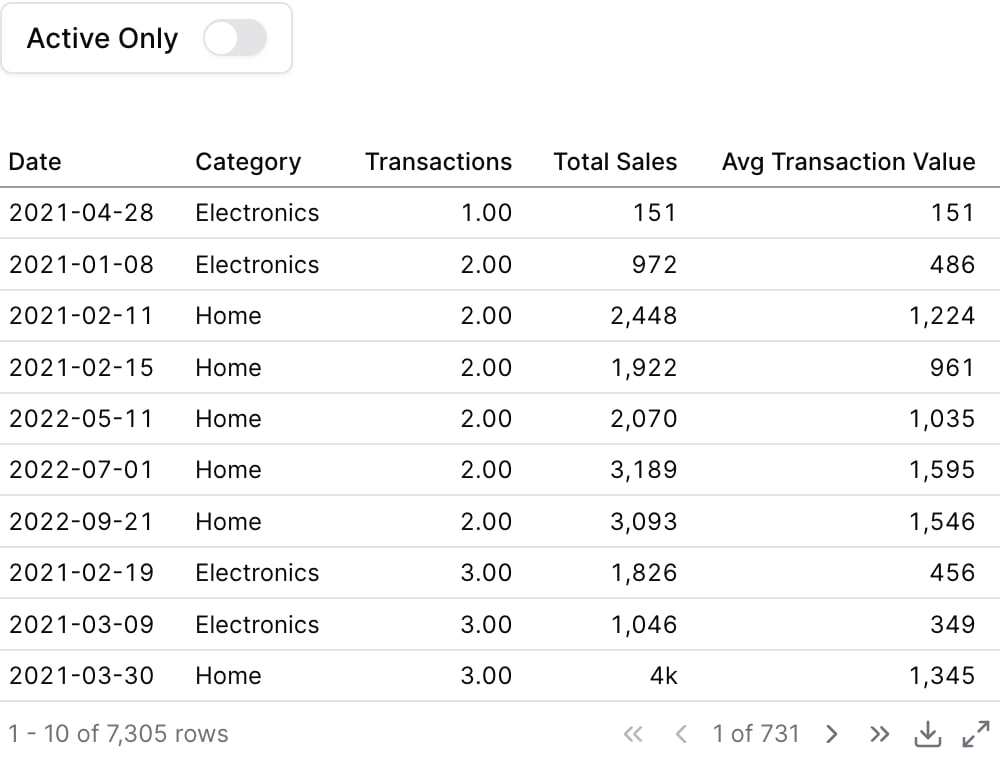
Using Inline SQL
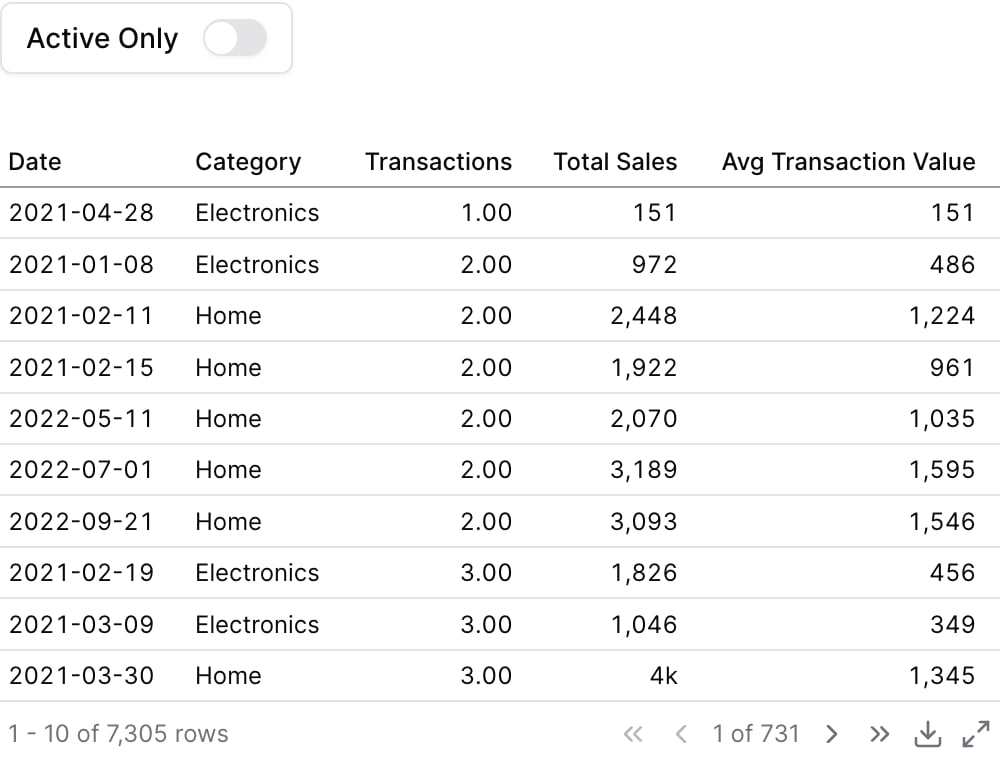
Attributes
string
required
The id of the toggle to be used in a
filters propstring
Text displayed next to the toggle inside the box. Defaults to the id if not provided.
string
Information tooltip text that appears after the label
boolean
default:"false"
Invert the boolean value output. When true, checked = false and unchecked = true. Useful when toggle label semantics are opposite to the filter logic (e.g., a “Show inactive” toggle that filters for is_active = false when checked).
boolean
default:"false"
Initial state of the toggle
Using the Filter Variable
Reference this filter using{{filter_id}}. The value returned depends on where you use it.
Available Properties
You can also access specific properties using{{filter_id.property}}:
.value
Returns the boolean value of the toggle.true