

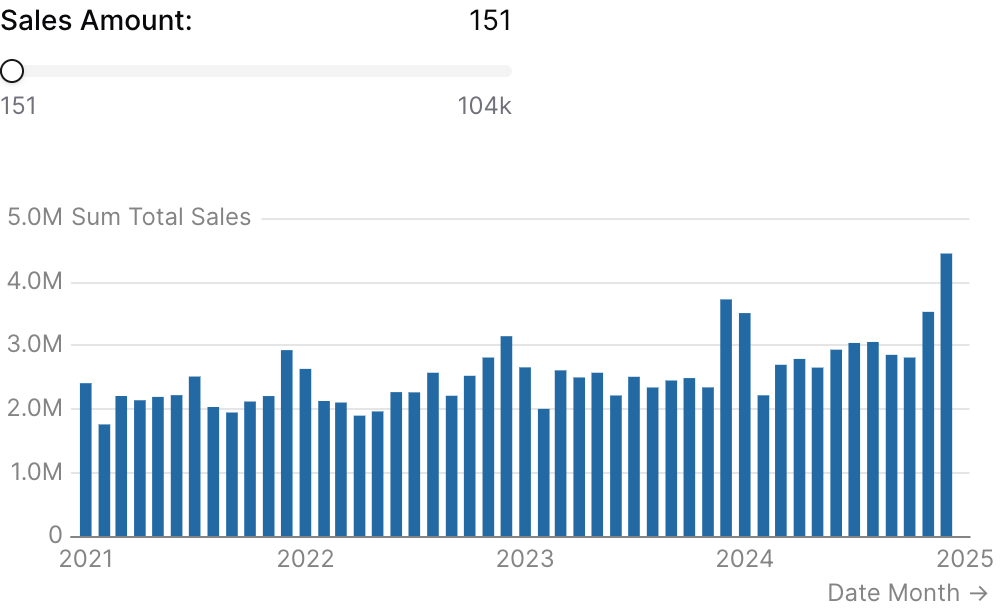
Examples
Using filters
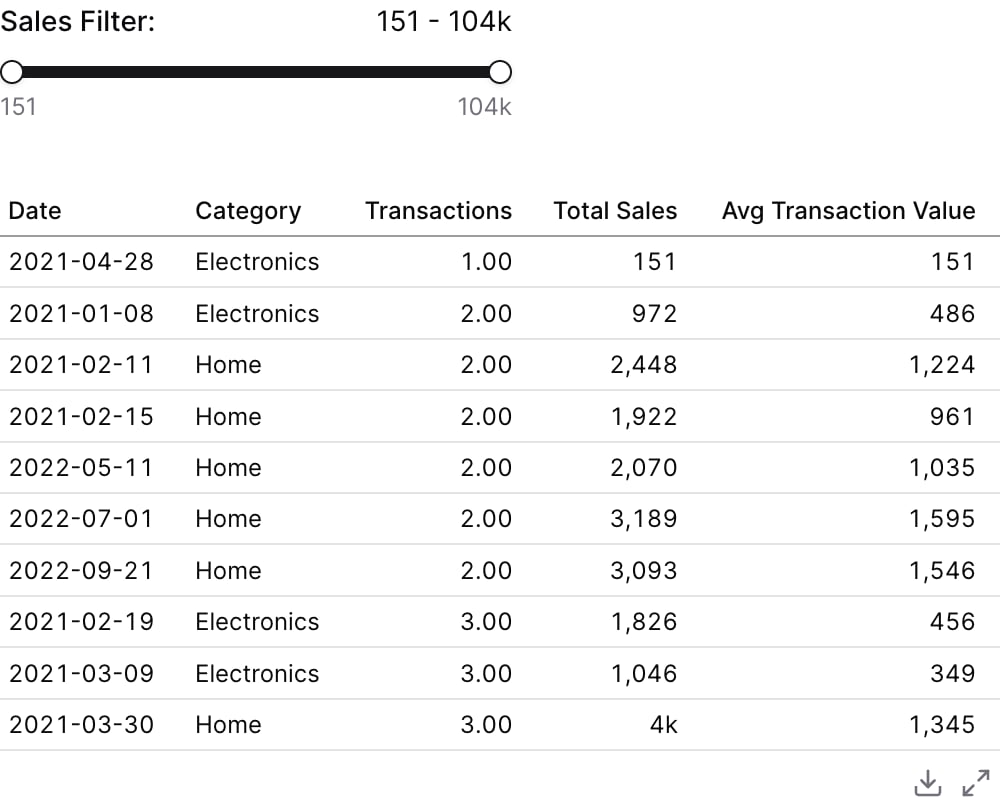
Using where
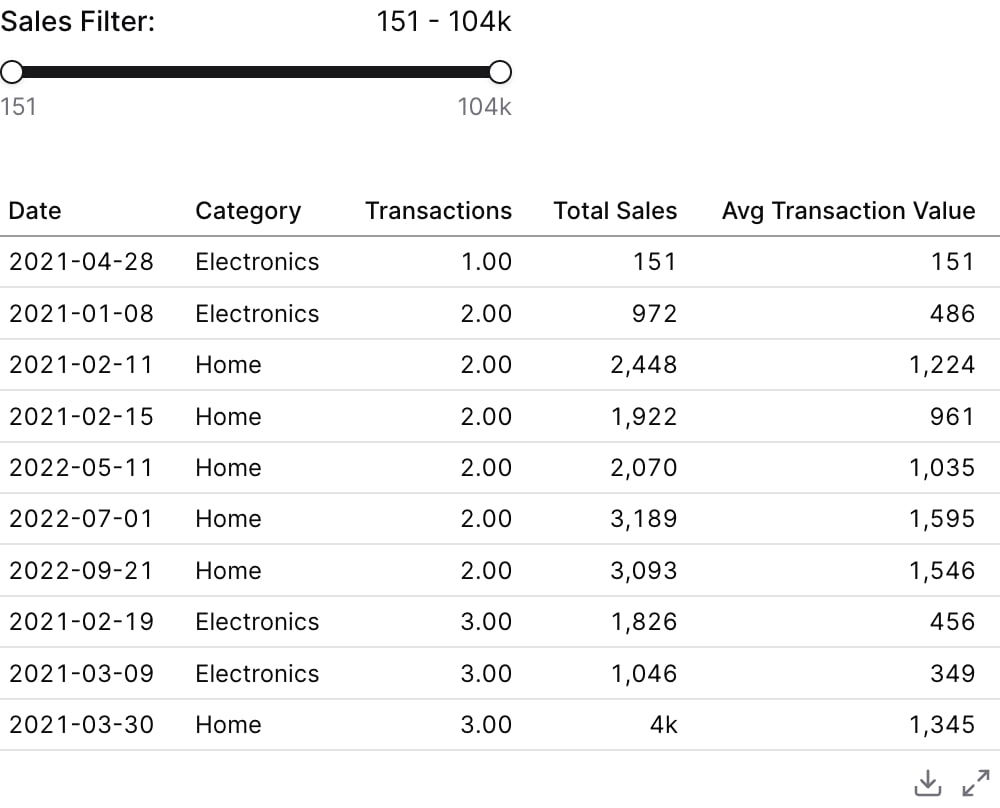
Using Inline SQL
Attributes
string
required
The id of the slider to be used in a
filters propstring
Text displayed above the slider
string
Information tooltip text
string
URL to link the info text to (can only be used with info)
string
Create a custom link title for the info link, placed after the info text (can only be used with info_link)
string
Name of the table to query for min/max values
string
SQL expression to get min/max values from. When provided with data, queries MIN(value_column) and MAX(value_column) to set the slider range.
number
Minimum value for the slider
number
Maximum value for the slider
number
default:"1"
Step size for the slider (must be greater than 0)
boolean
default:"true"
If true, automatically adjusts min/max to align with step boundaries for cleaner numbers (e.g., range 15-103818 with step=10000 becomes 0-110000)
string
default:"num"
Format code for the slider values (e.g., “num”, “usd”, “pct”). See formatValue documentation for available formats. See Value Formatting for available formats.
boolean
default:"false"
If true, enables range mode with two handles for selecting a min/max range
number | array
Initial selected value (number for single value, [min, max] array for range mode)
boolean
default:"false"
If true, shows a number input next to the slider value for direct editing
options group
Filter data to a time period. Attributes:
date_range is an OBJECT with range (the period) and optionally date (which column to filter on when the table has more than one). Shape: date_range={ range="last 12 months" date="order_date" }. range accepts predefined values (last 7 days, month to date), dynamic patterns (Last 90 days), custom windows (2020-01-01 to 2023-03-01), or partial ranges (from 2020-01-01, until 2023-03-01). Pass a plain string for range — the whole object is NOT a string.Example:- range:
string- Time period to filter. Use presets like ‘last 7 days’, dynamic patterns like ‘Last 90 days’, custom ranges like ‘2020-01-01 to 2023-03-01’, or partial ranges like ‘from 2020-01-01’.- Allowed values:
todayyesterdaylast 7 dayslast 30 dayslast 3 monthslast 6 monthslast 12 monthsprevious weekprevious monthprevious quarterprevious yearthis weekthis monththis quarterthis yearnext weeknext monthnext quarternext yearweek to datemonth to datequarter to dateyear to dateall time
- Allowed values:
- date:
string- Date column to filter on. Required when the data has multiple date columns.
Using the Filter Variable
Reference this filter using{{filter_id}}. The value returned depends on where you use it.
Available Properties
You can also access specific properties using{{filter_id.property}}:
.value
Returns the numeric slider value, or the selected range when in range mode.500
.filter
Returns a complete SQL filter expression. Returnstrue when no value is selected. Only available when value_column is provided.
age >= 25
.literal
Returns the raw numeric value. Only available in single value mode.500
.min
Returns the minimum value of the selected range. Only available when range mode is enabled.25
.max
Returns the maximum value of the selected range. Only available when range mode is enabled.65
.between
Returns a SQL BETWEEN clause fragment. Only available when range mode is enabled.BETWEEN 25 AND 65